Slabbing Wizard for Mach4

It’s already in there, you can use Intercon to make a big slabbing toolpath.

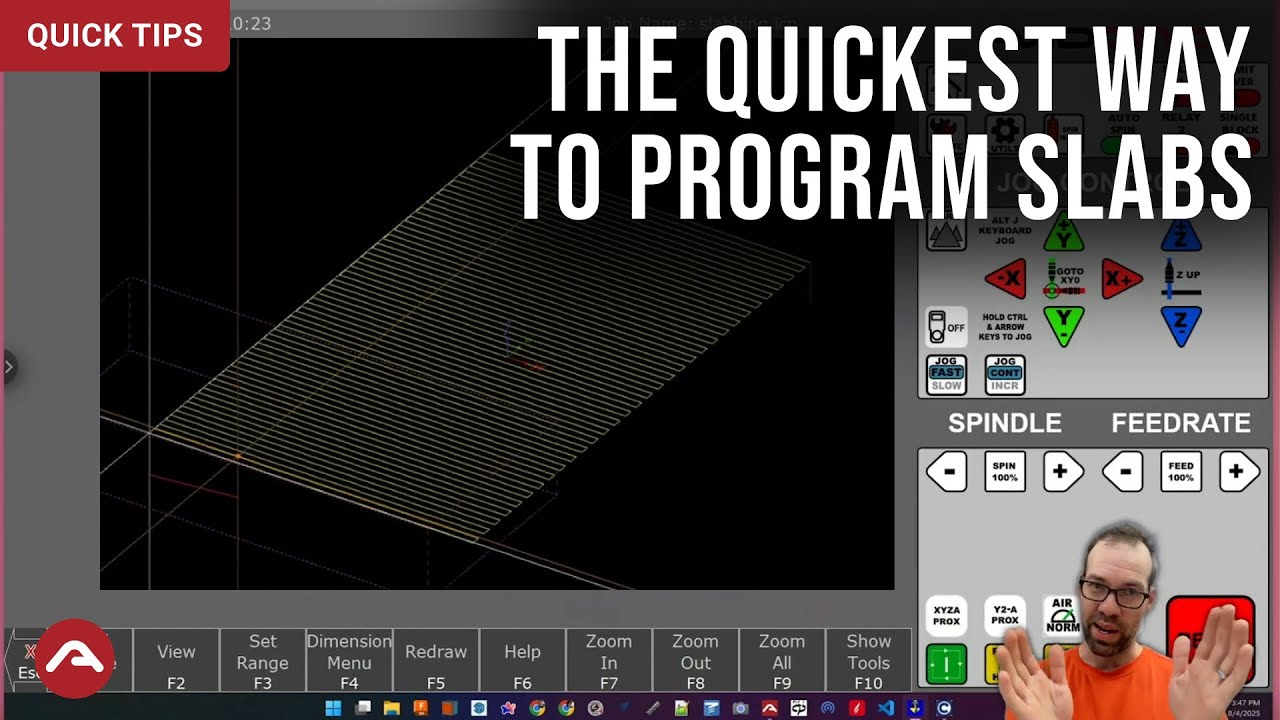
It’s under advanced options. I have a video planned on how to do it, but basically you’ll use the “conversational” CNC interface. In a couple of clicks you can make a slabbing pocket toolpath really easily.

You just create two operations:

-A tool change
-A pocket or a facing toolpath

You can configure everything and post it immediately without ever leaving CNC12.
Fantastic! Thank you!

Of course! Let me know how you like it.

Intercon is very easy to use, but it’s a pretty basic UI. Definitely try some air passes the first time so you get the hang of it.

New Release

Slabbing Wizard 1.0b

Changes from 0.99a to 1.0b:

  • FIX: Feedrate label, units/min
    • @chelps pointed out I had left the label as “in/min” by mistake.
  • ADD: Unit conversion
    • Now auto-converts units when you change selection between Inch (G20) and Metric (G21) on the fly.
    • Note: This is not intended to be used for doing a maths, just to ensure your values are within reasonable range if you switch units.
  • ADD: New notification hint in Post Gcode error dialog
    • If you attempt to post to a file that is already open, the updated dialog will inform you to Close G Code first.

Download

SlabWizard-Release-1b.zip (30.2 KB)

THANK YOU!! Can’t wait to try it out