Is there a way when the machine is cutting to see the remaining time and or percentage completed?
If not this would be a nice feature.
Tnx!
Is there a way when the machine is cutting to see the remaining time and or percentage completed?
If not this would be a nice feature.
Tnx!
Currently there’s not. Some CAM software has this.
This is actually a much harder problem than it appears to be…
The acceleration of the machine has a pretty dramatic effect on how long it takes to complete a job. If you and I had the same exact G code, on the same exact machine with the same bit and material, but we had different acceleration or smoothing settings: https://youtu.be/Jpsw8E7ihVk
Our completion times might be very different.
The best thing you can do is in Vectric there is a time estimate: Estimating Machining Times
There’s a “scale factor” in there. What I’ve done in the past is run a job and checked the time against the estimated time, and fudged the “scale factor” to make the times match. This only works when you’re running very similar jobs.
I had to use this when I was doing production work, and I was calculating how many sheets I could run in a day. The sheets had all different, but very similar parts on them so this method actually got it within 5% or so. It went out the window when I went to machine something totally different (like a VCarve)
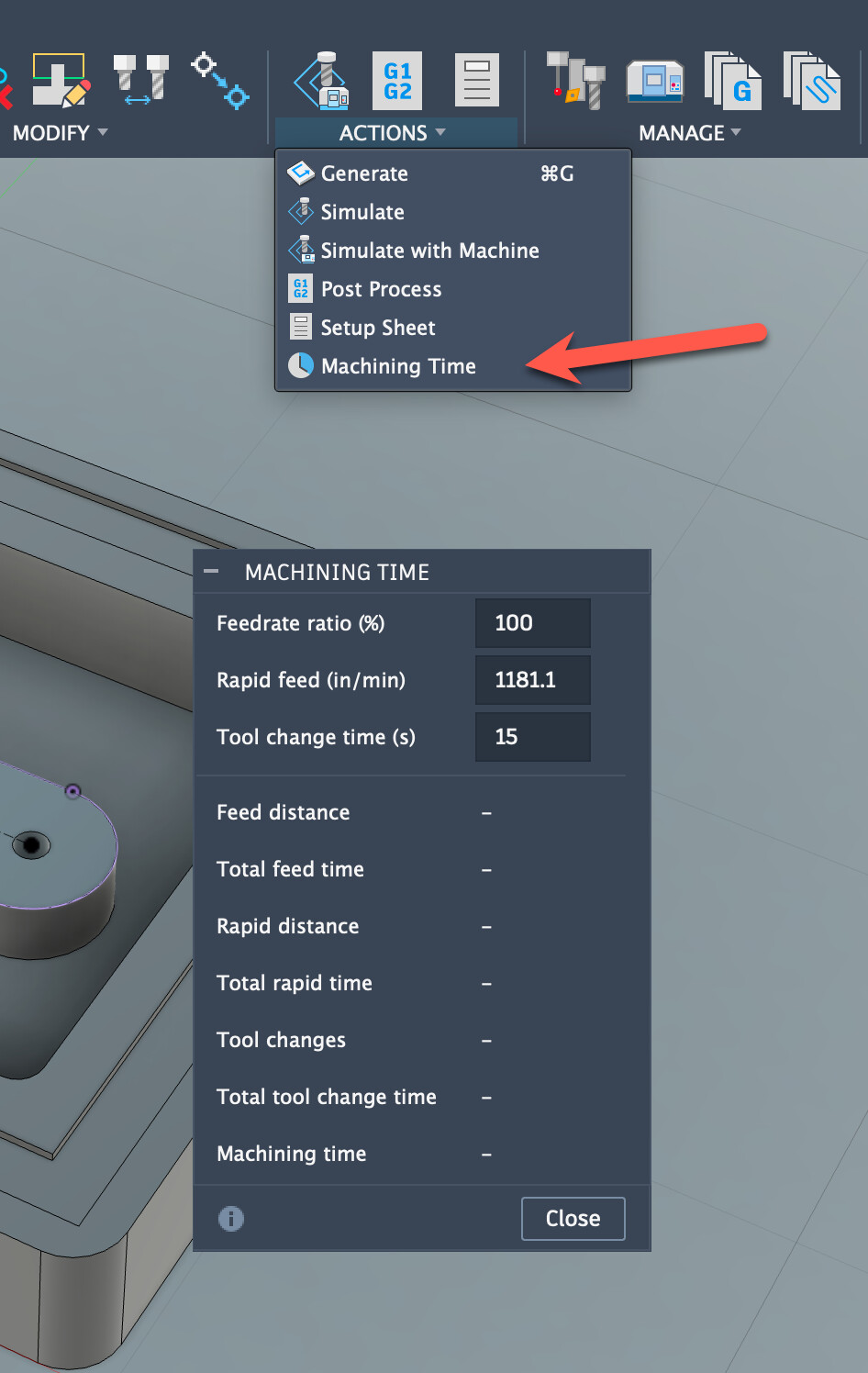
Fusion also has a similar “fudge factor” in it as well:
You can play around with the numbers in there to try and get it close.
The only way to really get this right is to have the actual controller “dry run” the job through it’s built in motion planner to get a reliable estimate.
Yeah! My plugin for CNC12 has a window that shows it. It is accurate if you ran the program once, otherwise, it is an estimate (which is better than nothing, but not quite correct).
It’s in the top of tree at GitHub - corbinstreehouse/Centroid-ATC-ToolRackSetup: Macros and an application to manage an ATC tool rack for Centroid CNC12 and Avid CNC.
Corbin
I should also mention that if you hit the Graph button it will show a pretty accurate estimate. The API was updated to add this, and I can get it, but i haven’t updated my app for the newest CNC12 (it’s a paid upgrade)
That’s super cool. I need to try that
Yeah! I keep track of each file’s runtime in JobRuntimes.xml ; when a job is re-run, I know exactly how long it will take and can do a correct timer countdown. It’s in a window that hovers above the main window. Here’s a lame phone screen shot, as I don’t want to mess with the job I’m running right now.
That’s super cool!
Seems like a 3D printer has this nailed down already couldn’t that be adapted to a CNC?
@corbin This is a cool plugin, kudos
but… this kind of thing should be so unnecessary. As much as I love Centroid, and I do, I wish they could catch up with modern UX.
Oh I agree! This type of thing should be built in. They know the runtime, as they do a run-through the gcode before they start running.
It definitely can! When you hit “graph” in Centroid’s CNC12 it gives a pretty(fairly) accurate runtime estimate. They should just show it as a countdown when they run the file.
That is the reason I asked …just got a new 3d printer and you can see the % time etc.
I think the UI of Centroid is just about perfect. it works and good too.