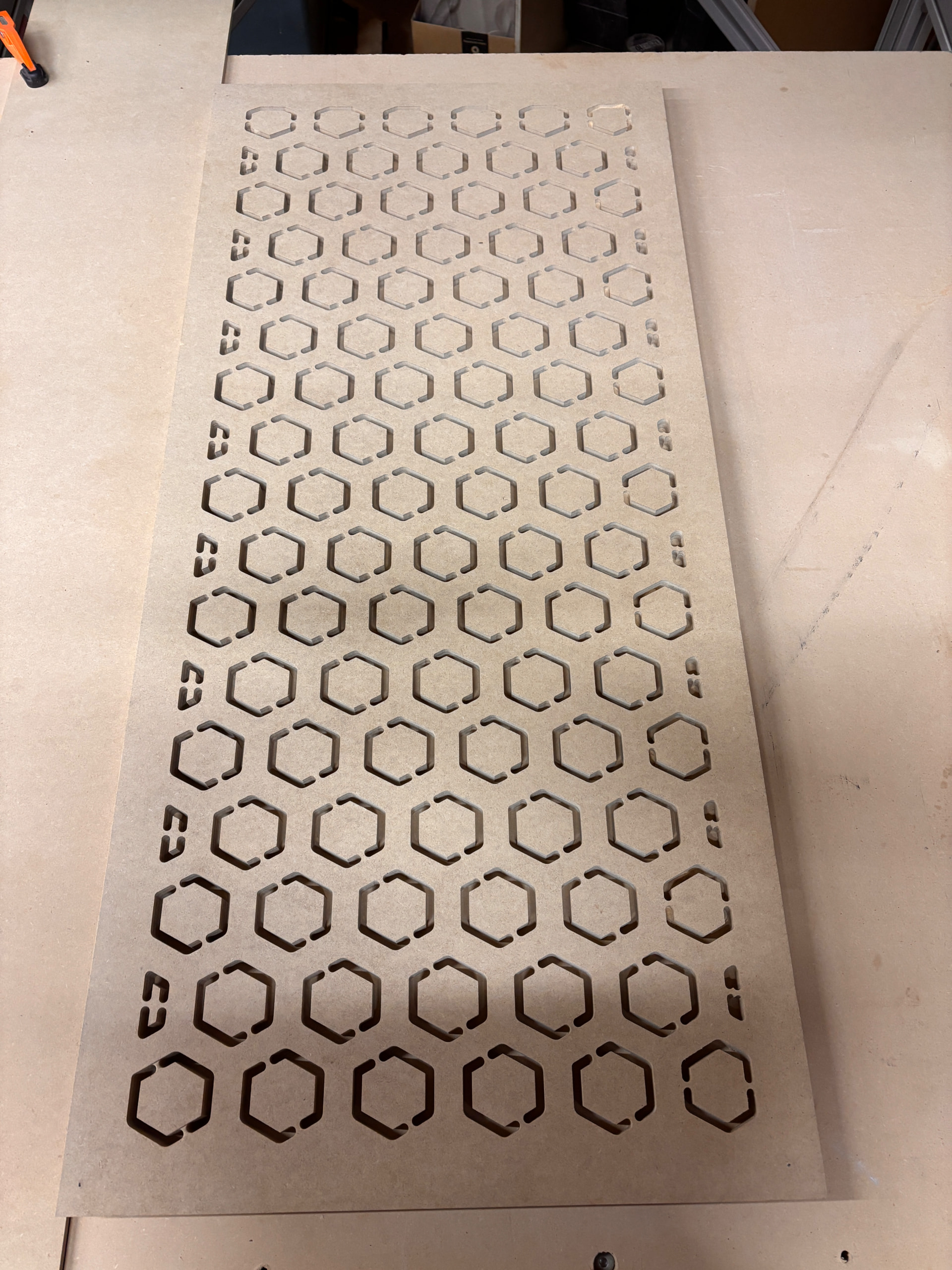
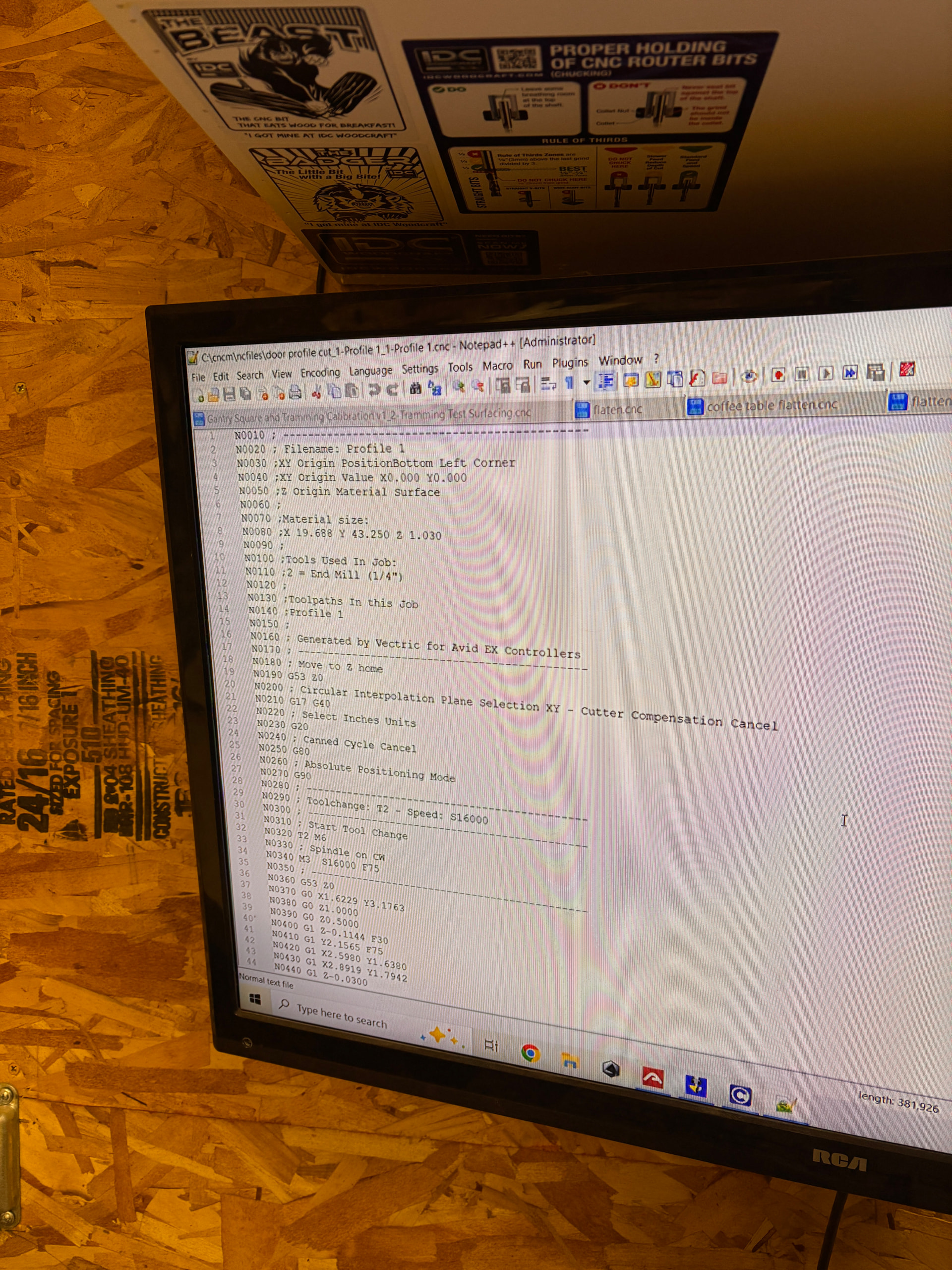
I was cutting out this honeycomb pattern for some pantry doors and it is cutting at various depths throughout. Bottom left corner where I set my XYZ position with the plate it cut 0.07 too shallow. as it progressed in the Y axis to the opposite end it was 0.23 too shallow back right corner was 0.44 too shallow and all the way back at the front right corner it was 0.43 too shallow.
I put a straight edge on it. There is no high or low spots. The table is perfectly level in all directions and I’ve never had this problem with any other project. When I modeled the job in aspire, everything worked out, and it showed it cutting all the way through. When I checked the G code with the graphing feature, it didn’t show any problems but here I am.
I have never seen one of these controls suffer from Z drift like Mach occasionally did.
I’d check the mechanicals of the machine… make sure that there’s nothing loose on your Z axis. I’d also check your table flatness. You can do this by putting the bit right near the work sufrace and jogging around.
Did you zero to the top or the bottom of the material? If you did the top you may have material that’s not totally flat. You might want to consider zeroing from the table instead:
I zeroed off of the top of my work piece, which was MDF. Before I removed the piece from the table I moved it from NN corner in the corner to check if the gap between the workpiece and the bit changed and it did not.
What should I be looking for in the Z axis? When I first set the machine up, it would try to rapid move up and a grinding/screeching sound could be heard and the machine would stop moving in the z axis. The support staff had me change in the settings the speed at which it could move. That helped for a while, but it would occasionally do it, and I had recently just changed it so that the max speed was even slower and it has yet to happen since then. I cannot remember the original rate which it was at but they had me change it to 200 and I had just changed it to 100
Mine was also doing that when trying to rapid up in Z and would error out the servo, along with the grinding noise. What fixed it was taking apart the z axis brake and shifting the square collar on the bottom up slightly, as it was rubbing even when the brake was disengaged. It has worn a little bit of the metal itself, but I sent pictures to support and they said it should be fine just keep an eye on it.
Ok, if you have a support ticket on this please respond to that and keep the conversation going there as there’s history there that can be referenced. Looks like you have a Nema 23 system. Those motors have lower torque than our other motors so they could be sensitive to a sticky Z axis… You may be losing steps during your cut because of it.