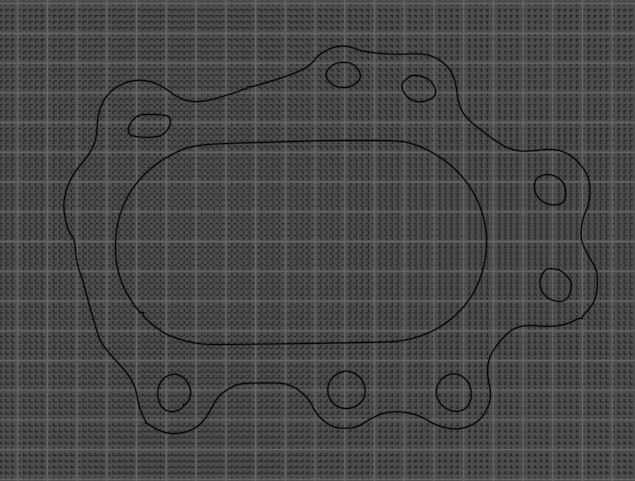
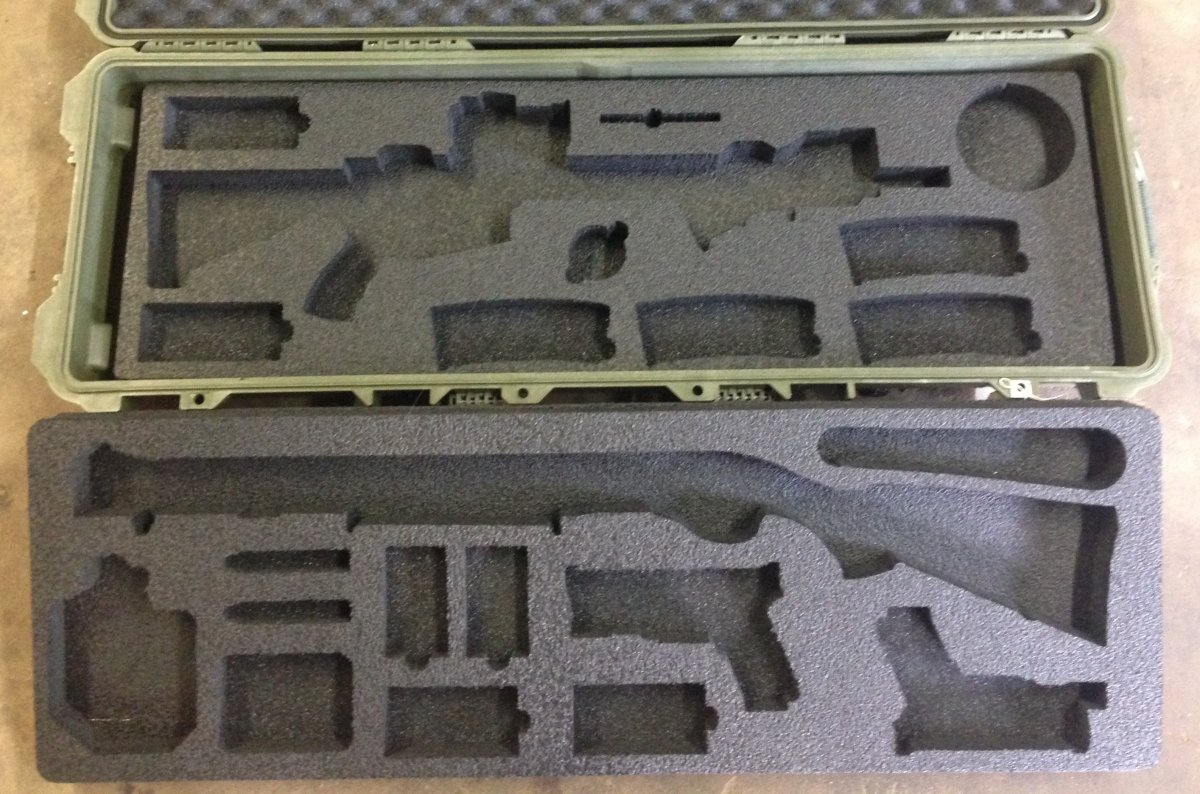
I cut irregular parts from 3/4” or 1/2” plywood with a jig saw. I use a scribing method and it takes several attempts to get it right. A couple corners might be square, but the rest could be very custom.
I’m hopeful my new AVID 4806 (coming in 4 weeks) can help me with this laborious task.
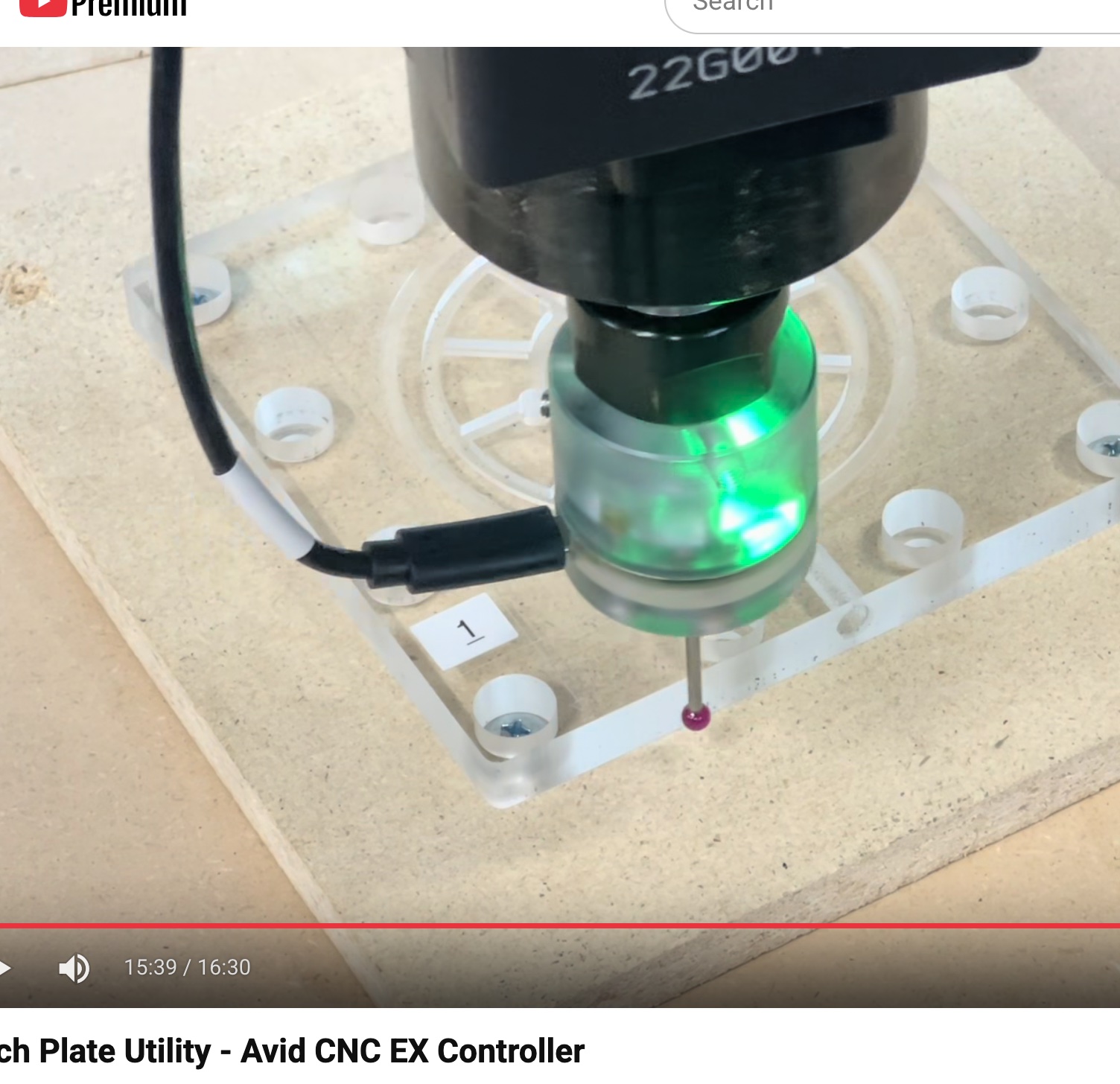
I saw this video that Eric did about the edge probe. Is there a way to use that to trace the part that I cut by hand?
How can I teach the software to cut a shape that I can’t draw? Note that most of these pieces are in excess of 2’ x 4’ so I can’t scan it.
2.probe all the corners and then send it to your cad and finalize in there.
3.Something on my list…todo…use lightburn software and its camera to turn your cnc into a big scanner…this works with lasercutters…I have everything to install this but did not get to it yet.
Another option is a 3d scanner. I have a relatively low end one from Creality and it is amazing what they can do once you get used to it. Especially true if you are trying to create shapes to match the van panels (or whatever that is) in the first place.
One time I had to do this, I resorted to cave man tactics: I made a clay mold of the part such that I could lay the clay on its side on graph paper and trace it.
Once it’s on graph paper, a combination of measuring and some circle templates (printed on transparencies made it easy to import into cad.
I happen to have an old roll of 20” wide graph paper I use for this, when regular paper isn’t big enough.
I’m asked to do restoration/recreation work somewhat frequently for entryway doors and architectural details of sorts. I usually take a picture, flatten the perspective as much as possible on my iPhone, crop to the edge of the part as close as possible, upload and trace in vcarve, and scale using a known dimension of the part. Sometimes I have to draw my own line, and sometimes I can just use the smoothing function. I can get VERY close to perfect parts (for my industry) like this. We have considered buying a system called PhotoModeler. It looks very capable, but I’ve never used it.
Tracing a part like you showed in the first place is really not that hard… probing 2D parts with a probe is very reasonable to do.
I’ve done this a bunch of times, and what you’ll find is that you can get a good sense of the density of points that you need to probe…
For example… Big straight edge on your part? You probably only need 1-3 points on that, odd shaped curve? up the density of probing.
I’ve actually talked about and shown the workflow in this thread: Digitizing with cnc12?
There’s a great video in there of someone probing a knurled handle.
For probing 2D parts the workflow is even easier… after converting your points you just export them to DXF with G Code ripper and bring that into whatever CAM prorgram you want. From there just trace over the points and clean up anything and you can cut your part.
You know those panels that cover your spare tire in the trunk of a car? I recreated a few of those years ago and it was really easy.
Another alternative is to use the iphone you already have and try something like Polycam. I have used it to get the shape digitized into a format like OBJ, then take a few key measurements to scale the exported 3d model and you have your part. Then take that mesh into fusion and trace the contours.
I have used its a few times to get large and small scale items digitized to give me a good first pass. Then do a test print/cut, and tweak a measurement or 2.
I used it to capture my Haimer 3D to make a 3d printed drawer holder for it. That shape is COMPLEX.
One warning, as with any photogrammetry, it does not do well with shiny stuff. But there is some spray you can buy to help with the shine. Or just use some baby power to dust the shiny stuff.
I have not scanned a van interior, but did scan a little alcove with some pillars for a catio. and the measurements were very accurate.
I do marine dash boards that are irregular. I use paper tools it works well not expensive, takes a little getting used to. Many of my templates are clear acetate film and cannot probe or 3d scan. You still have to clean up the files in your software but it works well for me.

 made it easy to import into cad.