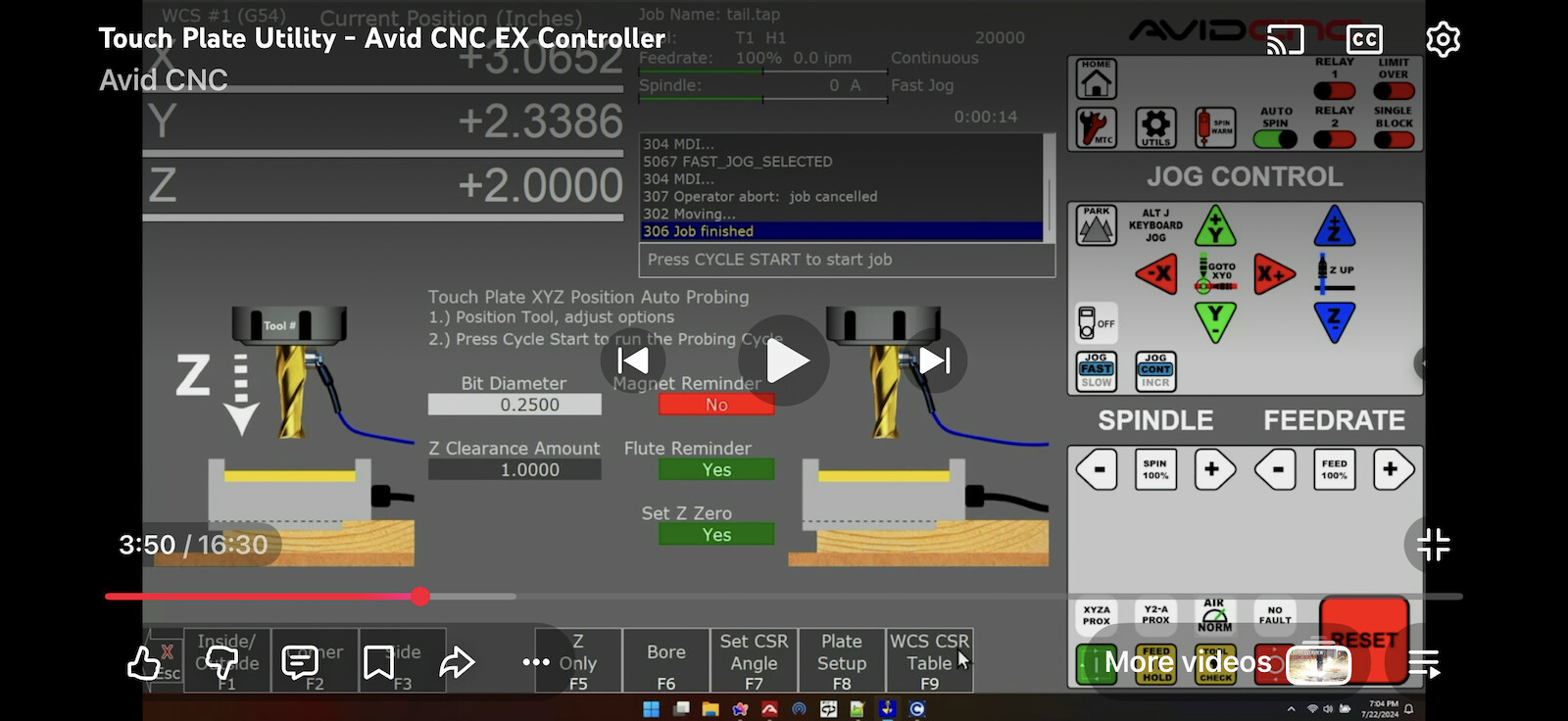
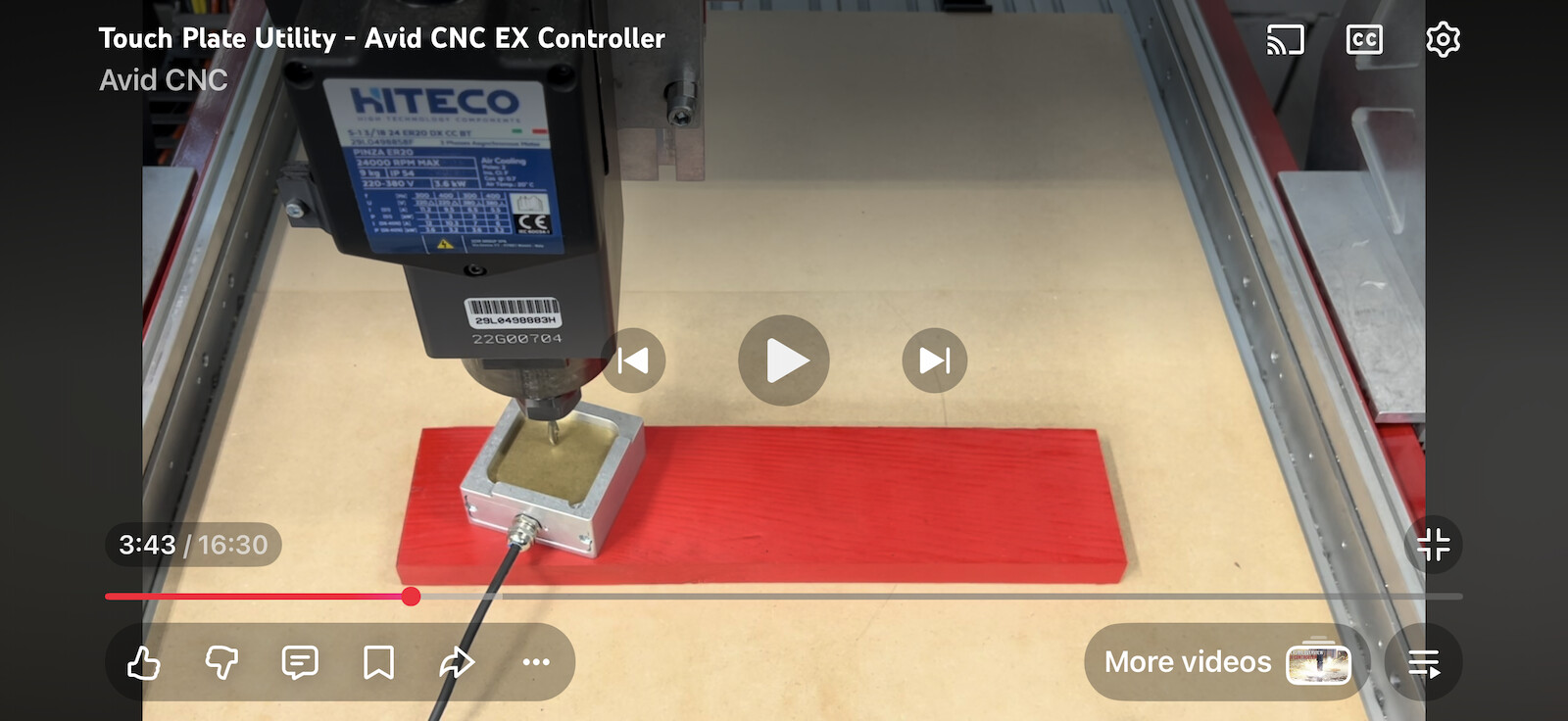
In this video, Eric says to follow the image in the software, shows the touch plate on the corner of the material, but when he runs the utility, he puts the touch plate directly on the material. (see screenshots below)
Could you please clarify which is correct? (Sorry for the duplicate question. I asked this question (and a few other questions) in a different post, but this question was skipped over.)
>>>Whatever zeroing you do you need to sneak sure that the graphic matches what you’re physically doing
Right, and this is why I’m asking this question. Please look at the screen shot I sent. When I click to Z Zero ONLY, it shows the graphic with the touch plate on the corner.
>>>if you want to zero only Z you can put the plate on top of the material
Which statement is correct? There is about 3/16” inch difference between it being on the corner and being on top of the material, so that would make a huge difference.
Wait a minute. I just noticed (after watching this video at least 10 times) that you turned the touch plate upside down, which negates the difference. OMG